CowAgent 超级AI助理
CowAgent介绍
CowAgent一键安装
CowAgent模型管理
CowAgent配置管理
CowAgent通道管理
CowAgent 技能系统
CowAgent 长期记忆
CowAgent 个人知识库
CowAgent 常用命令
CentOS 7.9安装 Python 3.7.9
Windows Server 2012安装CowAgent
Windows Server 2012安装 Git
CentOS 7.9安装CowAgent
首页
**使用脚本一键安装和管理 CowAgent** 项目提供了一键安装、配置、启动、管理程序的脚本,推荐使用脚本快速运行。 支持 Linux(建议系统在CentOS 8以上)、macOS、Windows 操作系统,需安装 Python 3.7 ~ 3.13(推荐 3.9)。 **安装命令** Linux / macOS ```bash bash <(curl -fsSL https://cdn.link-ai.tech/code/cow/run.sh) ``` Windows (PowerShell) ```bash irm https://cdn.link-ai.tech/code/cow/run.ps1 | iex ``` 脚本自动执行以下流程: 检查 Python 环境(需要 Python 3.7+) 安装必要工具(git、curl 等) 克隆项目代码到 ~/CowAgent 安装 Python 依赖和 Cow CLI 引导配置 AI 模型和通信渠道 启动服务 运行后默认启动 Web 控制台,访问 http://localhost:9899 开始对话和管理Agent。 *服务器部署需要公网访问控制台时,请在 config.json 中将 web_host 设为 0.0.0.0(默认仅监听 127.0.0.1 本机访问),同时强烈建议设置 web_password 启用鉴权。然后通过 http://<server-ip>:9899 访问,并确保防火墙/安全组放行 9899 端口。* 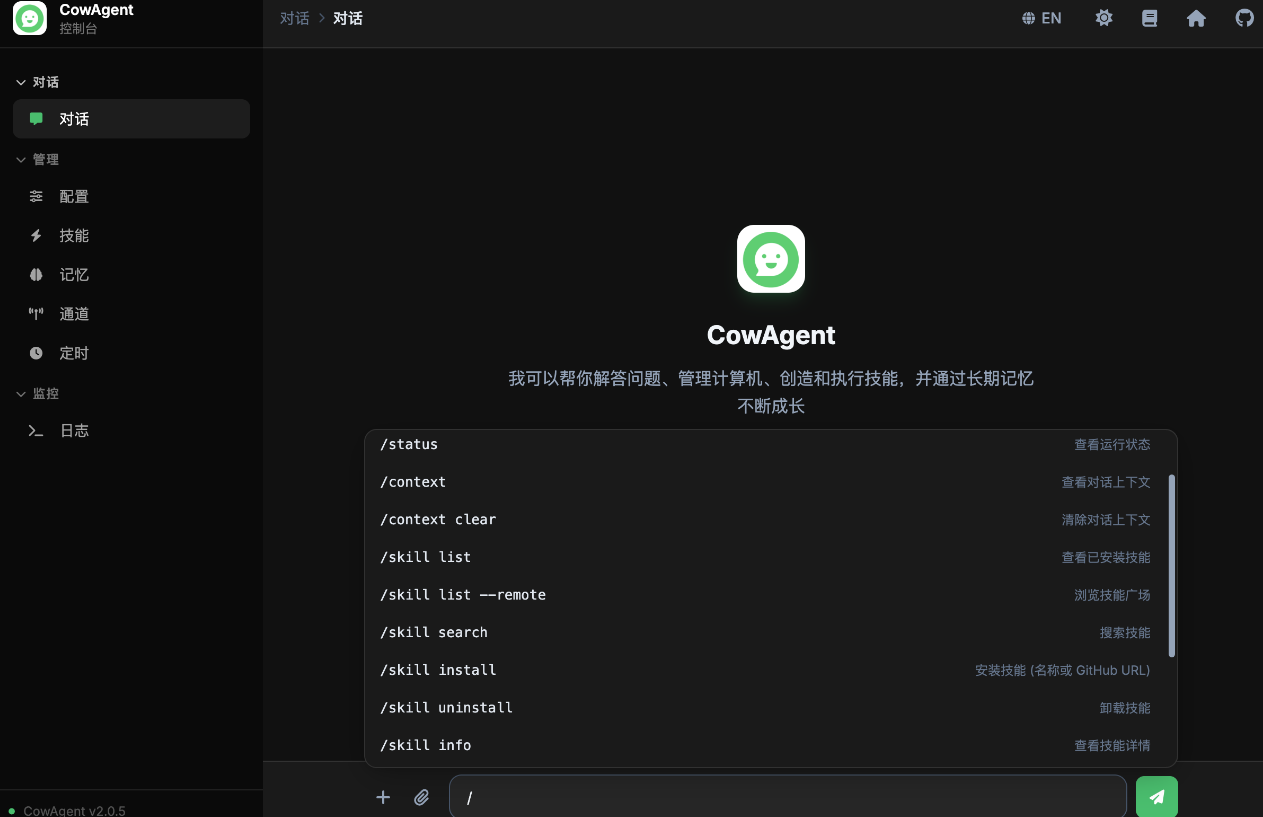 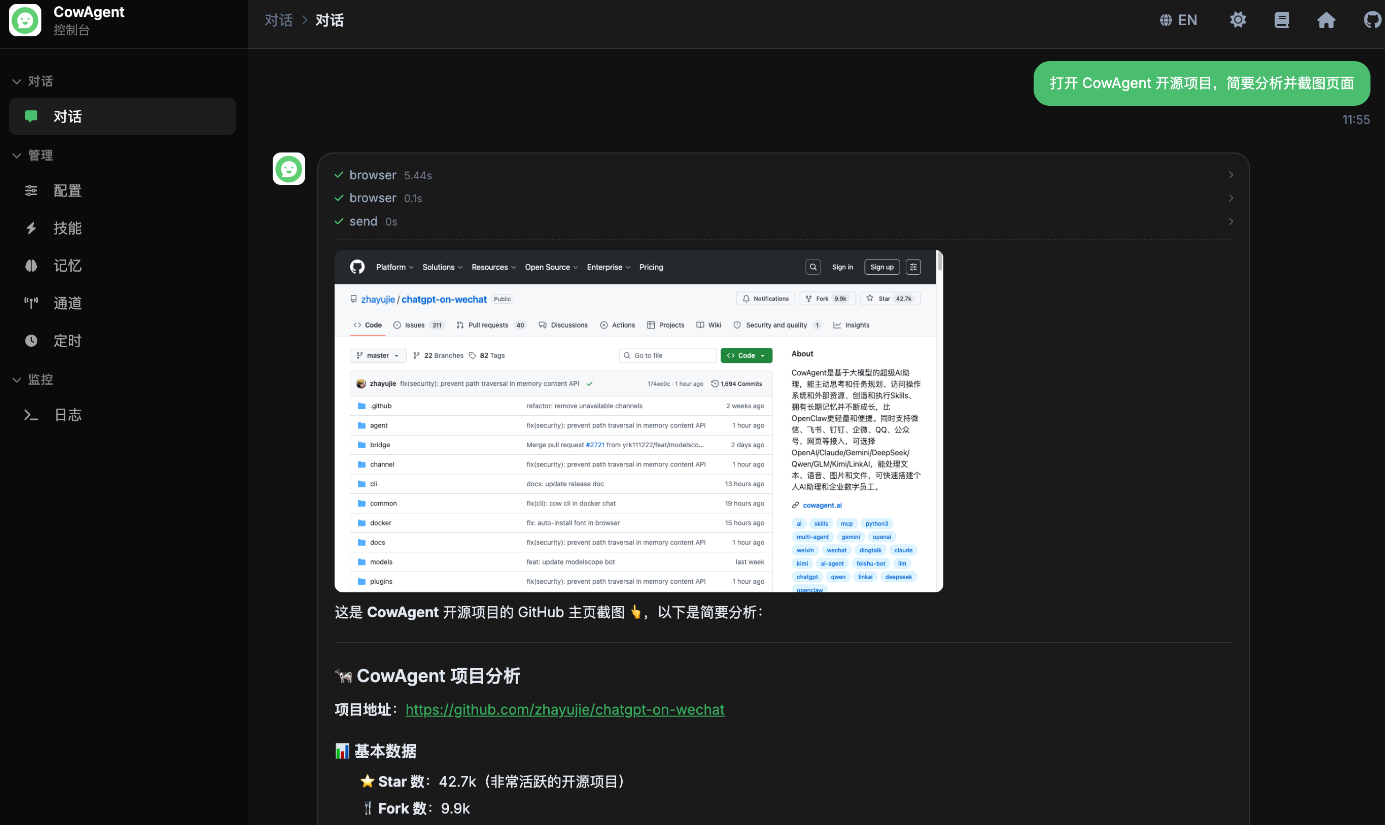
上一篇:CowAgent介绍
下一篇:CowAgent模型管理